
Dell PowerEdge MX740c SSD Upgrade
Upgrade your enterprise storage infrastructure with high-capacity enterprise solid state drives from Cloud Ninjas, designed to deliver the highest performance, scalability, and efficiency for servers, workstations and all HPC systems.
Browse our selection of SATA, SAS, and all variants of NVMe in multiple capacities and conditions keep your business running at peak performance!
- Supported drives: SATA, SAS, NVMe
- Max Configuration: 6 x 2.5" drives
- Max capacity: 92.16TB
CONTACT FOR INQUIRES:
sales@cloudninjas.com

 Filters
Solid State Drives
42 Items-
User Favorite
 Key Specs
- 960GB
- SATA
- New Drive
- 14th/15th/16th Gen Dell Servers
- Optional 2.5/3.5-inch Drive Trays
$1,350.00In Stock -
Best Seller
 Key Specs
- 1.92TB
- SATA
- New Drive
- 6GB/s Transfer speeds
- 14th/15th/16th Gen Dell Servers
- 2.5-inch Drive
- Optional 2.5/3.5-inch Drive Trays
$2,250.00In Stock -
Ideal for AI
 Key Specs
- 3.84TB
- SATA
- New Drive
- 6GB/s Transfer Speeds
- 14th/15th/16th Gen Dell Servers
- 2.5-inch Drive
- Optional 2.5/3.5-inch Drive Tray
$3,250.00In Stock -
Enterprise RAID
 Key Specs
- 3.84TB
- SAS
- New Drive
- 12GB/s Transfer Speeds
- 14th/15th/16th Gen Dell Servers
- 2.5-inch Drive
- Optional 2.5/3.5-inch Drive Tray
- 1 DWPD
$4,495.00In Stock -
Budget SAS
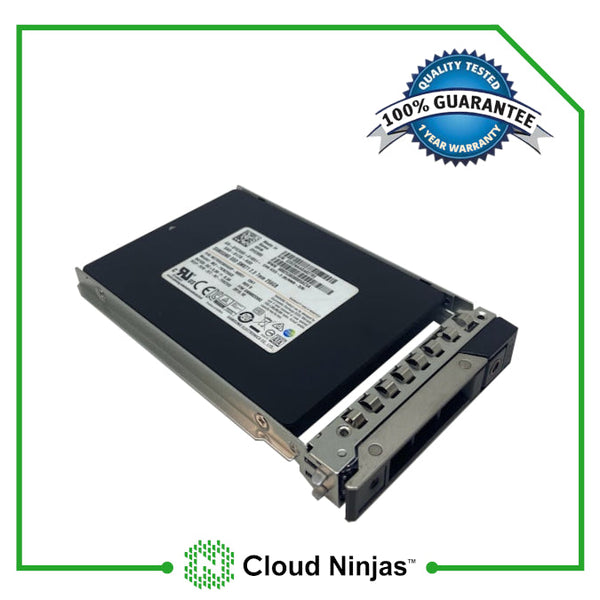 Key Specs
- 960GB
- SAS
- New Drive
- 12GB/s Transfer Speeds
- 14th/15th/16th Gen Dell Servers
- 2.5-inch Drive
- Optional 2.5/3.5-inch Drive Tray
- 1 DWPD
$1,900.00In Stock -
Datacenter Popular
 Key Specs
- 1.92TB
- SAS
- New Drive
- 12GB/s Transfer Speeds
- 14th/15th/16th Gen Dell Servers
- 2.5-inch Drive
- Optional 2.5/3.5-inch Drive Tray
- 1 DWPD
$2,900.00In Stock -
Premium Storage
 Key Specs
- 7.68TB
- SAS
- New Drive
- 24GB/s Transfer Speeds
- 14th/15th/16th Gen Dell Servers
- 2.5-inch Drive
- Optional 2.5/3.5-inch Drive Tray
- 1 DWPD
$6,499.00In Stock -
 Key Specs
- 1TB
- 6GB/s SATA
- 2.5-inch Drive
- 14th/15th/16th Gen Dell Servers
- New Drive
$500.00In Stock -
Future Proof
 Key Specs
- 1.6TB
- SAS
- New Drive
- 24GB/s Transfer Speeds
- 14th/15th/16th Gen Dell Servers
- 2.5-inch Drive
- Optional 2.5/3.5-inch Drive Tray
- 3 DWPD
$2,900.00In Stock


Dell PowerEdge MX740c Solid State Drive Upgrades
The Dell PowerEdge MX740c is a blade server with configuration of 6x 2.5" SATA/SAS/NVMe SSDs. This Dell PowerEdge MX740c supports the following types of solid state drives: SATA, SAS, and NVMe. The capacities supported by this server range from 120GB to 7.68TB and offers speeds of 3GB/s, 6GB/s, 12GB/s and 24GB/s depending on the type of solid state drive. The max capacity configuration available for this server is 6x 15.36TB NVMe. It is not advisable to mix the types of drives as the server will run inconsistent due to SSD drive speeds. If you want to maximize the capabilities of the Dell PowerEdge MX740c, choose one type of Solid State Drives to maintain consistency when running your server nodes.
Technical Guide
Cloud Ninjas Dell PowerEdge MX740c Solid State Drive Upgrade Tips
-
 There are 3 different types of SSD interfaces: SATA, SAS, NVMe.
-
 There are multiple SSD capacities: 120GB, 240GB, 480GB, 800Gb, 960GB, 1.6TB, 1.92TB, 3.2TB, 3.84TB, 7.68TB, 15.36TB.
-
 Maximum total capacities for SATA drives is 7.68TB, 7.68TB for SAS, and 15.36TB for NVMe of storage memory.
-
 Speed of drives for the Dell PowerEdge MX740c server range from: 3GB/s to 24GB/s for SATA, SAS and 16GT/s for NVMe. But they may clockdown depending on the type of SSD.
-
SAS Support from optional SAS HBA/RAID card.
-
There are 1 type of Dell PowerEdge MX740c chassis from a storage perspective: 6x 2.5" SATA/SAS/NVMe drives.
-
You can mix SSD types; however, it is advised that consumer chooses one type of SSD for the entirity of the servers SSD capabilities, in order to maintain consistency.